
Every Booking Gets Its Own Meeting Link
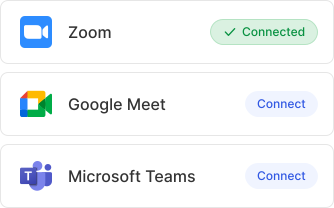
Connect Zoom, Google Meet, or Microsoft Teams once. Calfrenzy automatically creates the right meeting link for every online session—including recurring and multi-session bookings.
Coaches, tutors, and trainers run their sessions online with Calfrenzy.


Use the Video Tools You Already Know
Connect Zoom, Google Meet, or Microsoft Teams and choose the right platform for each service. Calfrenzy handles the meeting links automatically.


Video conferencing is part of package booking and paid plans — Google Meet on all tiers; Zoom and Teams on Professional & Business.
Set It Up Once, Calfrenzy Handles the Rest
Choose Your Video App

Client Books
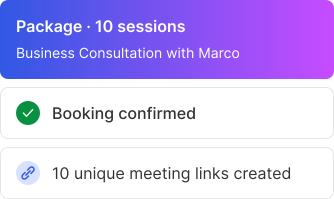
Everyone Gets The Link
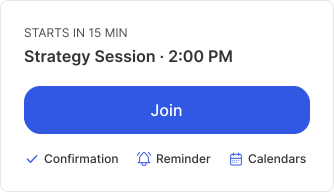
The Right Link, Right Where You Need It
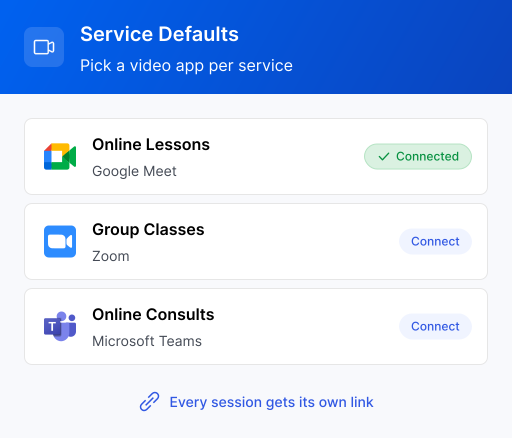
Use the Right Video App for Every Service
- Run lessons on Google Meet, classes on Zoom, and consultations on Microsoft Teams.
- Choose your preferred platform for each service
- Calfrenzy automatically creates the right link when someone books.
- Offer online, in-person, or phone as separate options — no plugin or workaround.
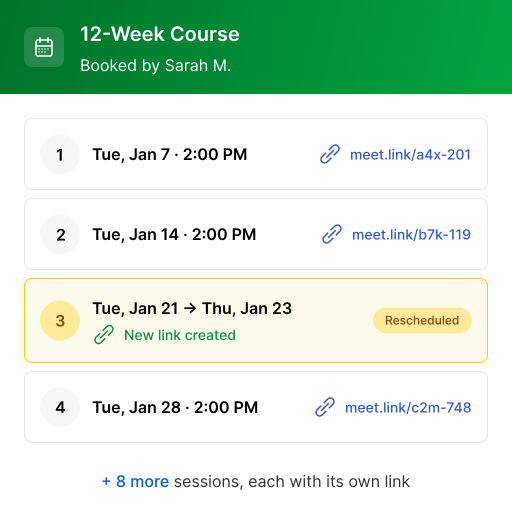
Ten sessions, Ten Links — Handled
Every session in a package or recurring series gets its own meeting link. Reschedule one, and Calfrenzy updates that session without affecting the rest.
Easy Access to Every Session
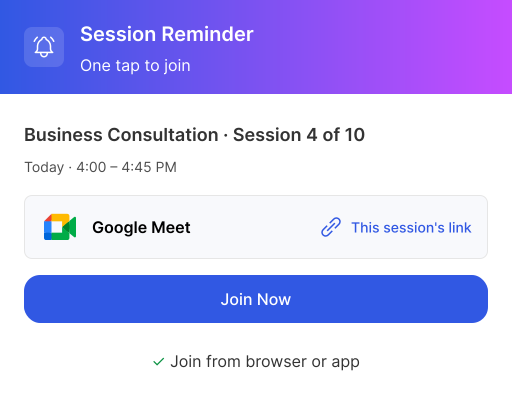
Your meeting link is ready when you need it—in booking confirmations, reminders, and your booking dashboard.
- Join in one click from your reminder.
- Each session in a package has its own link.
- Join easily from desktop or mobile.
Video Conferencing, Answered
No. Clients open the meeting link straight from the confirmation or reminder — no Calfrenzy account, download, or sign-up required. A one-tap Join button takes them into Zoom, Google Meet, or Microsoft Teams in the browser or the app.
Yes. Set a default video app per service — for example Google Meet for online lessons and Zoom for group classes. An online lesson and a phone consult can sit side by side.
The link updates itself automatically on both calendars when a session moves. Nobody has to resend anything, and your client always sees the current link in the reminder.
Yes. Every session in a recurring series or multi-session package gets its own unique meeting link — never one shared room reused every week. Each link shows in the booking dashboard.
Absolutely. Offer online, in-person, or phone as separate options — no plugin or workaround. Video conferencing simply attaches a link to the bookings you choose to run online.
Start Running Your Sessions Online
Connect your video app and let Calfrenzy handle the links from here.


