


Connect Microsoft Outlook and Teams
Keep your Outlook availability and bookings in sync, with Microsoft Teams links automatically added to online sessions.



Connect Your Microsoft Account
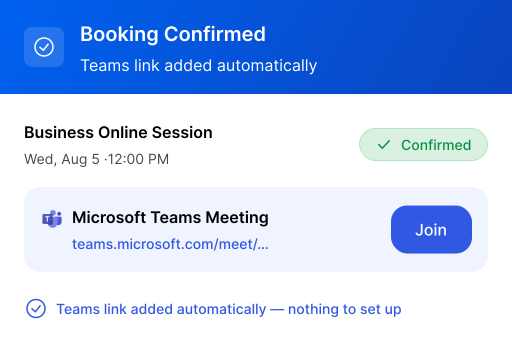
Keep using Outlook the way you already do. Calfrenzy checks your calendar for availability, adds new bookings, and creates Microsoft Teams links for online sessions automatically.
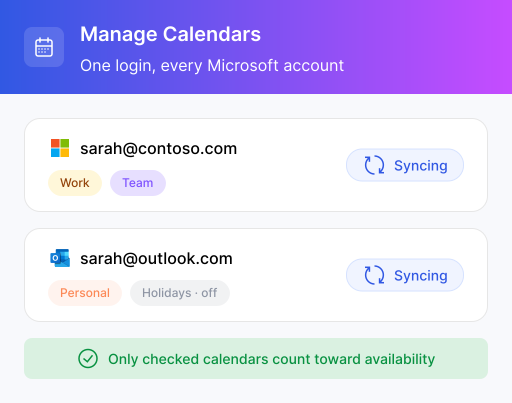
Manage Multiple Outlook Calendars
Connect the calendars you use for work, personal schedules, or different businesses, and choose which ones Calfrenzy checks for conflicts.
How Calfrenzy Works with Microsoft Outlook and Teams

Two-Way Calendar Sync
Keep bookings and availability up to date between Calfrenzy and Outlook.

Microsoft Teams for Online Bookings
Automatically create a Teams meeting when someone books an online session.

Connect the Microsoft Account You Use
Connect your existing Microsoft account and choose the calendars you want to use.

Multiple Microsoft Accounts
Connect different Microsoft accounts and manage their calendars from Calfrenzy.

Choose Where Bookings Go
Send bookings to the right calendar for each business or booking page.

Control Conflict Checking
Choose which calendars Calfrenzy checks before showing your availability.
Watch How Microsoft Teams Booking Works
More Calfrenzy Integrations


Video Conferencing
Zoom, Google Meet, Microsoft Teams, custom meeting links.


Browser & Workspace Integrations
Chrome extension, Gmail add-on, Google Workspace, LinkedIn.