
Automated Reminders That Reduce No-Shows
Deliver timely, branded email reminders that keep clients informed and help maintain a reliable schedule.

Free 14-day trial · No credit card required
90%
Fewer no-shows
5h+
Saved weekly
100%
Automated



Every Client Reminded Without
Lifting a Finger
Set up automated reminders in minutes. Choose your timing, customize your message, and
let the system handle delivery — so every client stays informed without manual effort.
Choose Your Timing
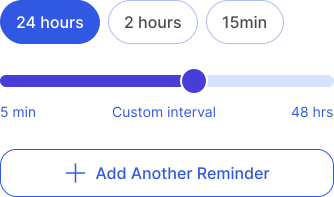
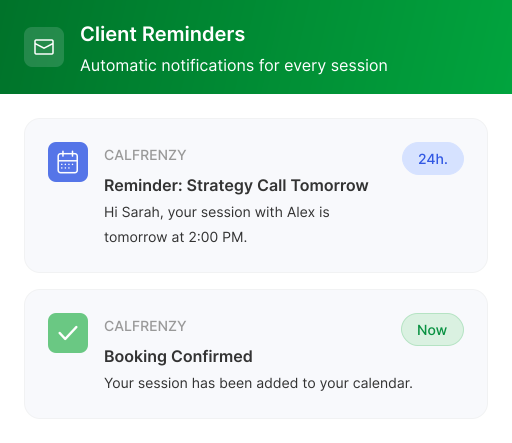
Set reminders at 24 hours, 2 hours, 15 minutes — or any custom interval that fits your schedule.

Customize the Message
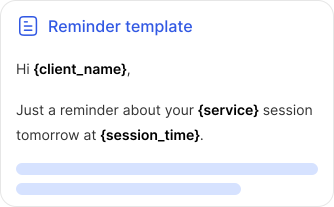
Add your brand, tone, and session details. Dynamic variables fill in automatically.
Fully Automated Reminders
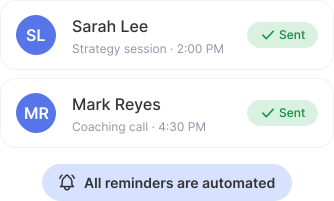
Reminders go out automatically before every session. No manual work required.
All Your Reminders, One Dashboard
Set up once, automate forever. Control timing, content, and delivery from one intuitive interface.

Default or custom per booking page
Set global defaults, then override for specific services when needed.

Instant sync to all booking pages
Update once and changes apply everywhere. No page-by-page editing.

Preview and test before going live
Send test reminders to yourself so you see exactly what clients receive.
Every Email Feels Personally Written
Your brand, your tone, your timing.

Custom content and subject lines
Write your own reminder messages that match your brand voice and personality.

Multiple reminders per event
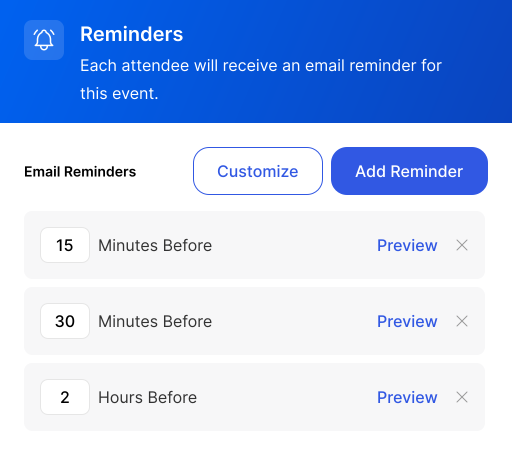
Set up to 3 reminders per booking page — e.g. 1 day, 2 hours, and 15 minutes before.

Cancel and reschedule buttons
Let clients self-serve changes. No back-and-forth needed.
Clients Show Up Prepared
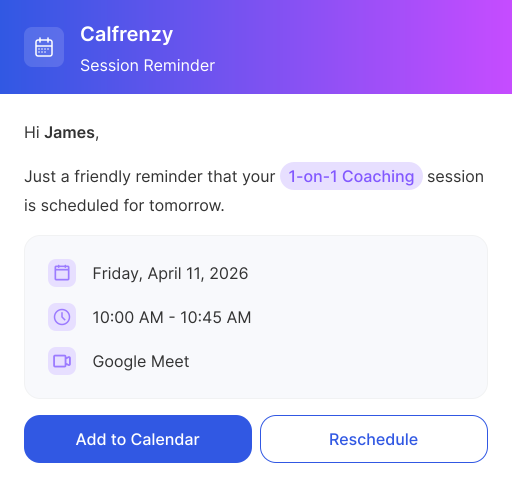
Your clients receive polished, easy-to-read reminders that make it effortless to prepare and show up on time.

Clear, professional emails before every session
All the details they need — date, time, location — in one glance.

One-click reschedule or cancel
No logins, no apps — clients tap a button and it's done instantly.

Add to calendar with one tap
Google Calendar, iCal, Outlook — every major platform supported.
Automated Reminders for
Every Type of Booking
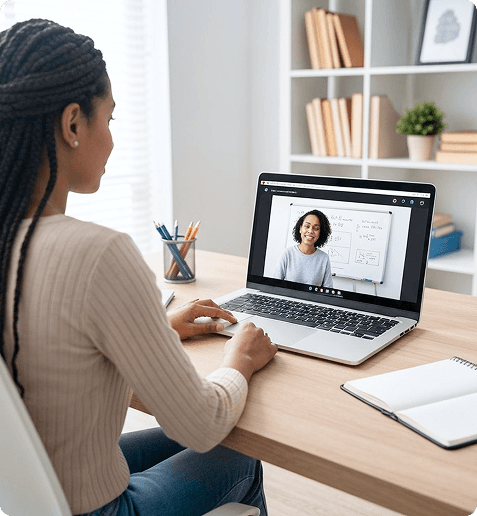
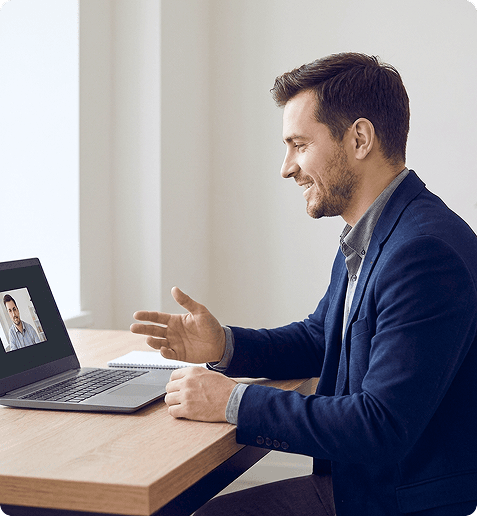
From one-on-one sessions to recurring appointments, automated reminders ensure every
client stays informed — reducing no-shows and keeping your schedule consistent.



Frequently Asked Questions
You can send up to three reminders per booking page — for example, one day before, two hours before, and 15 minutes before. Set defaults for your booking page or override them for specific services. Reminders send automatically at the intervals you choose, with no manual work required.
Yes. You can write your own subject lines and message content, match your brand voice, and use dynamic variables like client name, service, and session time that fill in automatically. Test reminders send to yourself first so you can preview exactly what clients receive.
Every attendee on a booking receives their own reminder — so both you and your client get notified before every session. If invitee guests are added to a booking, they receive reminders too. Reminders go out to each person at the intervals you've set for that booking page.
The calendar-add nudge is a reminder that includes a one-tap "Add to Calendar" button, so clients can save the appointment to Google Calendar, Apple Calendar, or Outlook in one click. This helps make sure the session actually lands on their calendar — one of the simplest ways to help clients show up.
Every plan sends automated email notifications for bookings, including the permanent Free plan. Fully customizable reminders — with your own timing, message content, and branding — are available on the Professional and Business tiers. You can also try customization free during the 14-day trial with no credit card required.
Stop Chasing No-Shows. Start Automating
Set up reminders in under 2 minutes. Free on all plans.
14-day free trial · No credit card required


